You are requesting information from AHS regarding our products and services. By clicking the button, you consent to receive email at the email address you provided. You agree to our Privacy Policy and Terms of Use. You understand that your consent is not a condition of purchase.
You are requesting information from AHS regarding our products and services. By clicking the button above, you consent to receive email at the email address provided, as well as phone calls and text messages (including prerecorded, autodialed and/or AI-generated calls and texts) at the phone number you provided. You agree to our Privacy Policy and Terms of Use. You understand that your consent is not a condition of purchase. Or call 888-682-1043 for a free quote.
We use cookies and other technologies for tracking, analytics and personalizing the ads or content you see. By using this website, you consent to our use of these technologies. For more information, please visit our Privacy Policy.
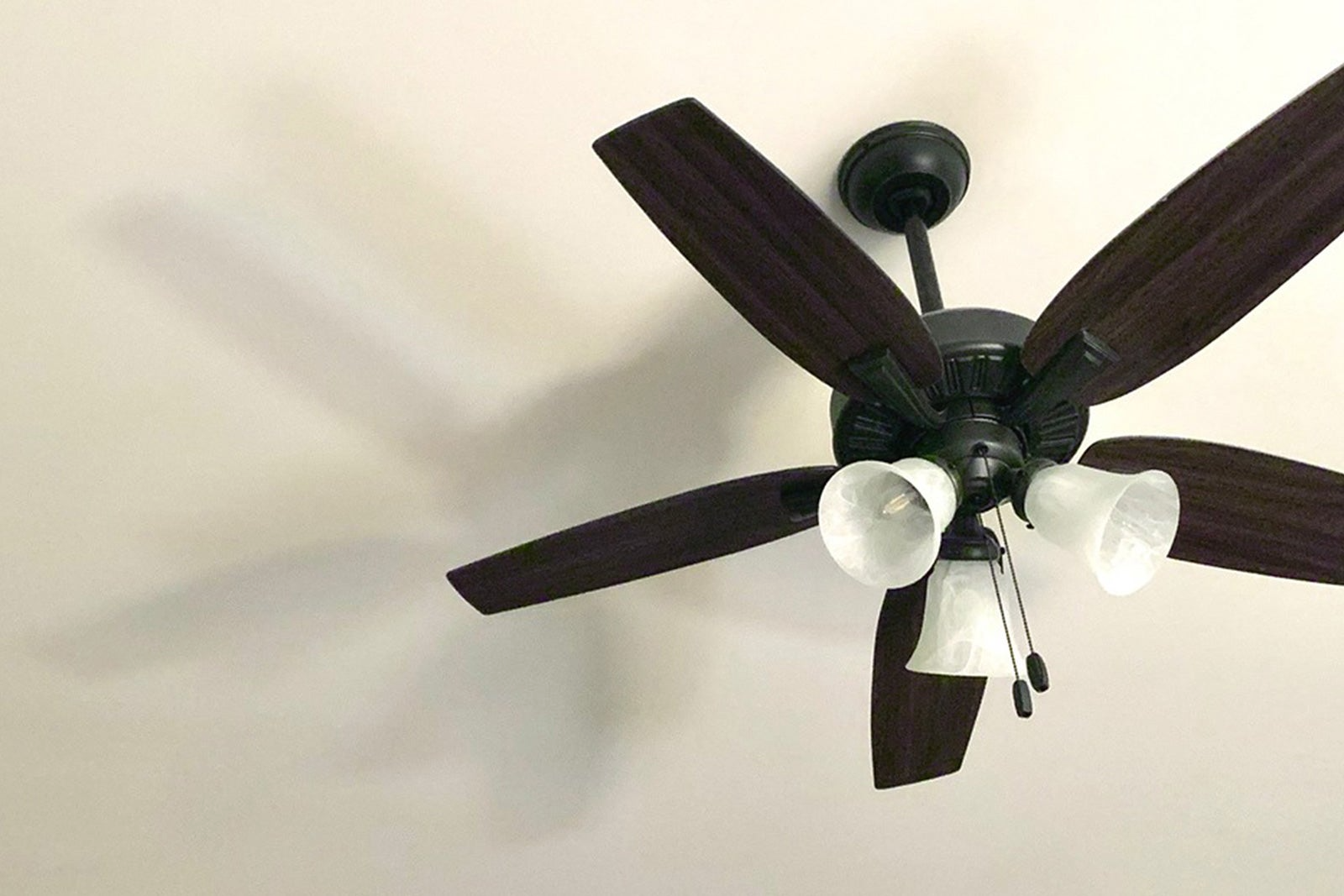
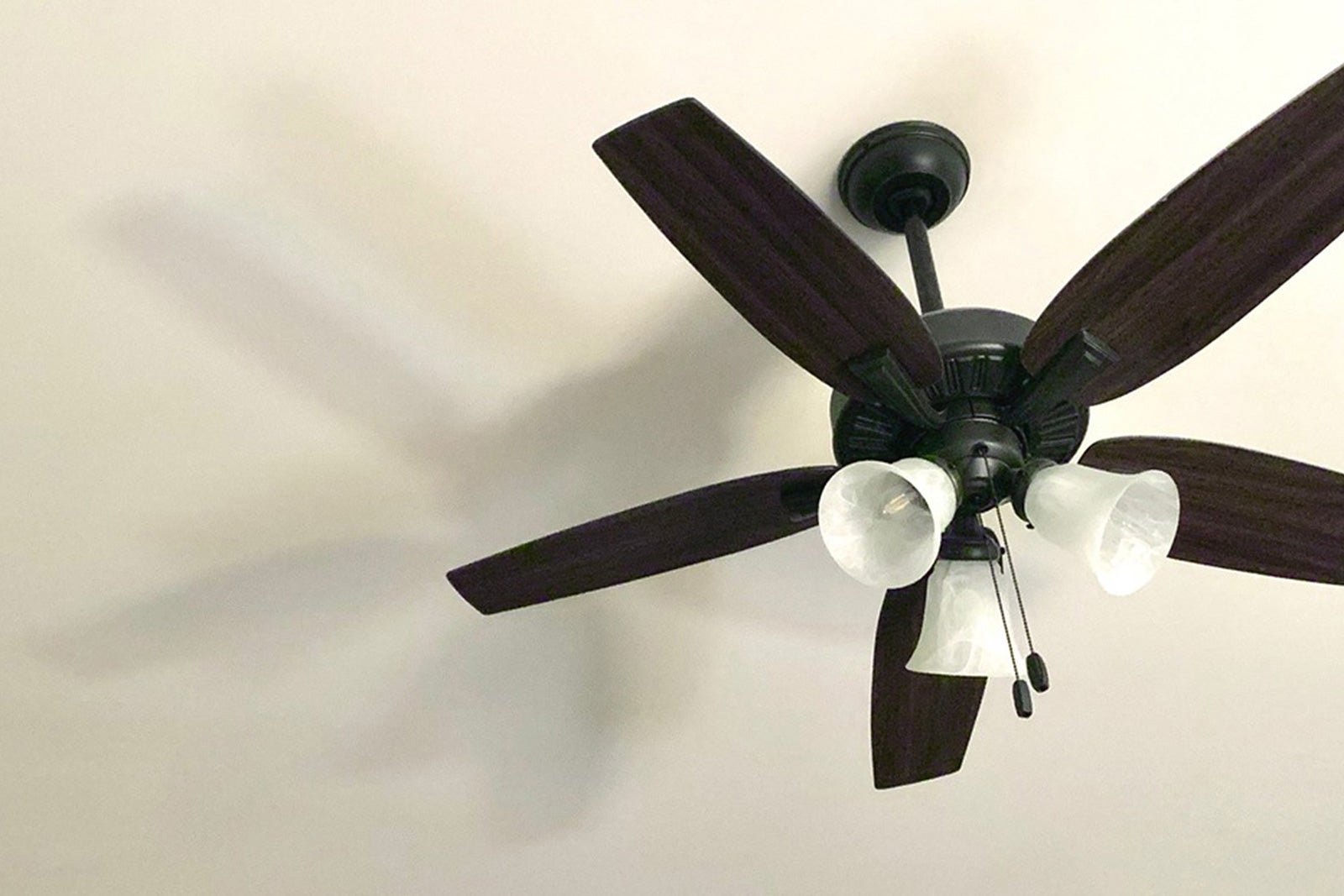
After a round of home renovations, American Home Shield® member Casey’s remote-controlled ceiling fan stopped responding. All the other lights in the room still worked, which made the lack of spin even stranger.
Without a clue of how to fix his electric fan motor, AHS member Casey opened the American Home Shield® app and started a quick video call to figure out what had changed during the renovation.
Video call feature available as a benefit to AHS members . See AHS.com for hours and details.
AHS video call made Casey’s electric fan fix a breeze
The call
Casey was quickly connected with Jeremiah, a licensed electrical Technician, over video call and explained the issue. Casey explained that since he had renovated a room in his house, the ceiling fan would not respond to the wall switch or the remote.
The assessment
Electrical Technician Jeremiah had Casey press a few buttons on the remote to rest the ceiling fan remote over video call. The indicator light blinked with each press, so the remote was sending a signal, but the fan stayed still. Electrical Technician Jeremiah asked if anything else had lost power during the Casey’s renovation projects. Nothing else had lost power, which made it easy to rule out the breaker and determine a tripped breaker was unlikely.
Based on the symptoms, Electrical Technician Jeremiah suspected the fan’s receiver and remote had fallen out of sync, and a simple reset might fix the issue of an electric fan not spinning.
The outcome
Going off of his hunch, Electrical Technician Jeremiah walked Casey through the standard re-pairing sequence. He turned off the fan's power at the wall switch, removed the remote’s battery, and waited. After about 30 seconds, Casey flipped the switch back on and reinstalled the battery. The moment the battery clicked into place, the fan spun back to life.
Jeremiah had Casey test on/off and speed from the remote; everything responded normally. In just a few minutes, the guided reset proved to be the fastest way to fix his electric fan control issues.
Appliance issues have you spiraling out of control?
Get the right next step in real-time with live repair Technicians who can help assess or fix breakdowns—all at no extra cost as a benefit to American Home Shield members.
Ceiling fans can act up in a handful of predictable ways. If you’re searching how to fix an electric fan, begin with these simple troubleshooting tips:
The light works, but the blades won’t budge
Start with the controls you can reach. Flip the wall switch on, click through any pull-chain speeds, and install a fresh remote battery. If the remote’s little LED blinks but the fan ignores it, try the same reset sequence Jeremiah used above. That quick re-pair often restores the connection between the remote and the receiver and can fix electric fan glitches in seconds.
Nothing responds
Think power before parts. Check the room’s breaker and reset it once if it’s tripped. If it trips again or you smell heat, stop and schedule a tech visit. When other lights and outlets in the room work, whole-room power loss is unlikely; focus back on controls or pairing rather than opening the fan’s canopy.
The fan spins, but only on one speed or everything feels sluggish
Rule out simple drag first. With the switch off, wipe dust from the blades and make sure nothing is brushing up against them. If the fan remains weak across all speed settings, an internal component (often a capacitor) may be aging. Skip DIY how-to fix electric fan motor videos, and book a technician to handle the internal parts and wiring.
Wobbles, shakes, and rattles
Most fan wobble is caused by loose hardware or slight blade imbalance. Turn off the power to the fan, and snug any visible screws on the fan blades and light kit. If the shimmy lingers, use the balancing clips or weights that came with the fan. If the canopy or mounting bracket shifts, pause use of the fan until you can get a technician to check it out.
Humming or buzzing sounds
Take a peek at the wall control. A standard light dimmer can cause noise or poor starts, because dimmers aren’t designed for fan motors. Swap to a fan-rated speed control or use the manufacturer’s remote. Noise paired with heat or smell is a red flag to stop and schedule service.
Breeze feels wrong for the season
In warmer months, set the fan counterclockwise for a cooling breeze. In cooler months, use clockwise on low to gently recirculate warm air. That simple switch is one of the easiest ways to begin learning how to fix an electric fan without touching the thermostat.
Could your home appliances use a reset? Don’t Worry, Be Warranty.
Small issues with your home systems and appliances can steal big chunks of your day. AHS is here to help get some time back. Our plans help with covered breakdowns caused by normal wear and tear, and our AHS member app makes it easy to request service, track updates, see coverage details, and access perks straight from your phone.
*See the plan agreement for coverage details, including service fees, limitations and exclusions. Coverage limits and charges for non-covered items may apply.
Share::
Was this article helpful?
AHS assumes no responsibility, and specifically disclaims all liability, for your use of any and all information contained herein.